
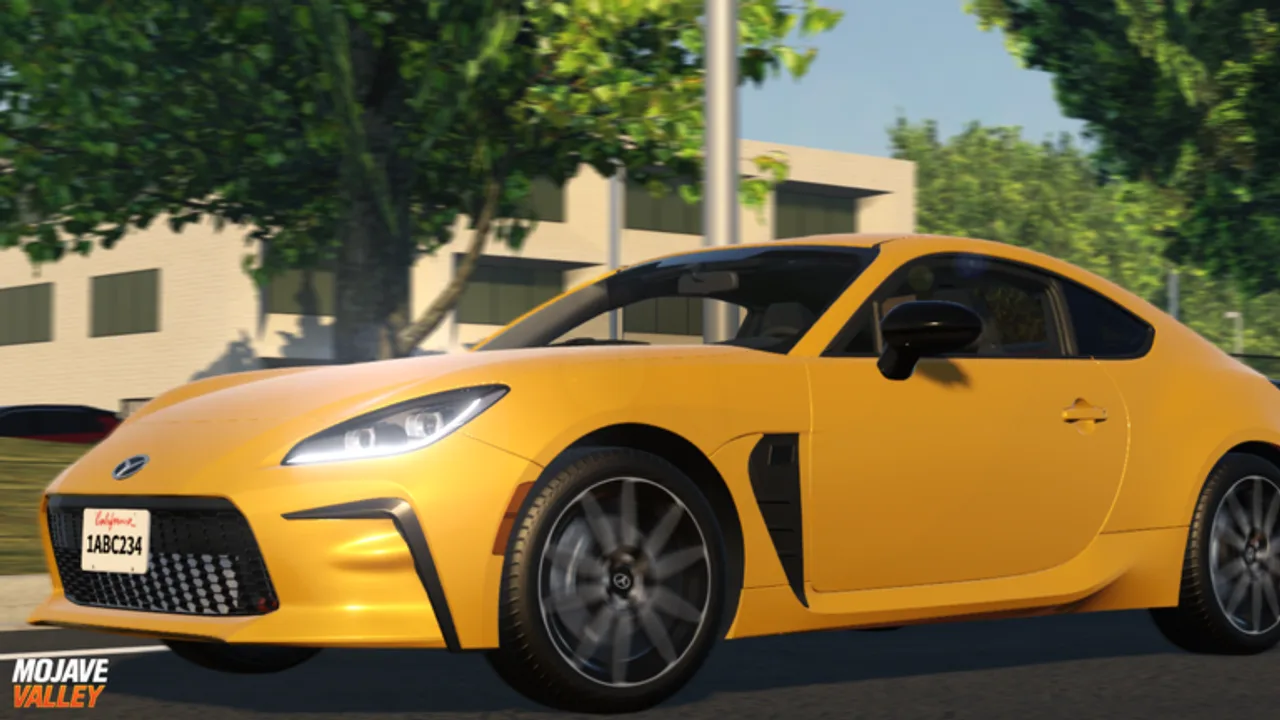
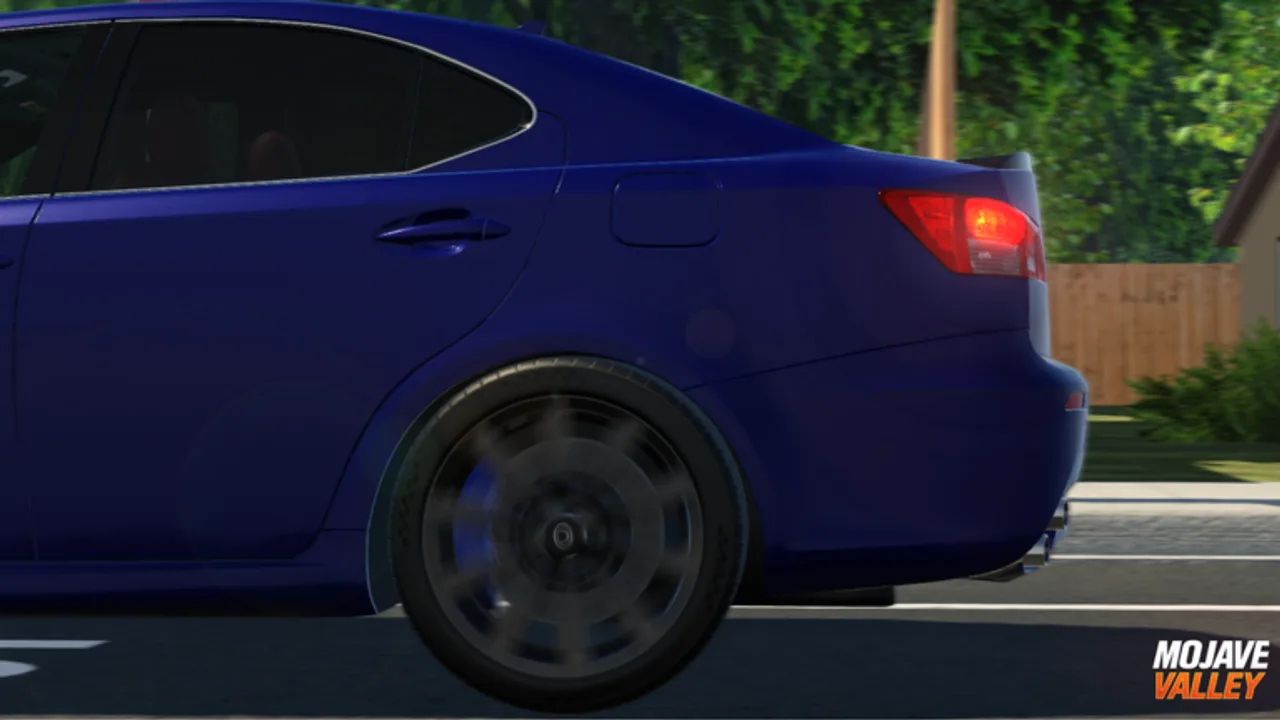
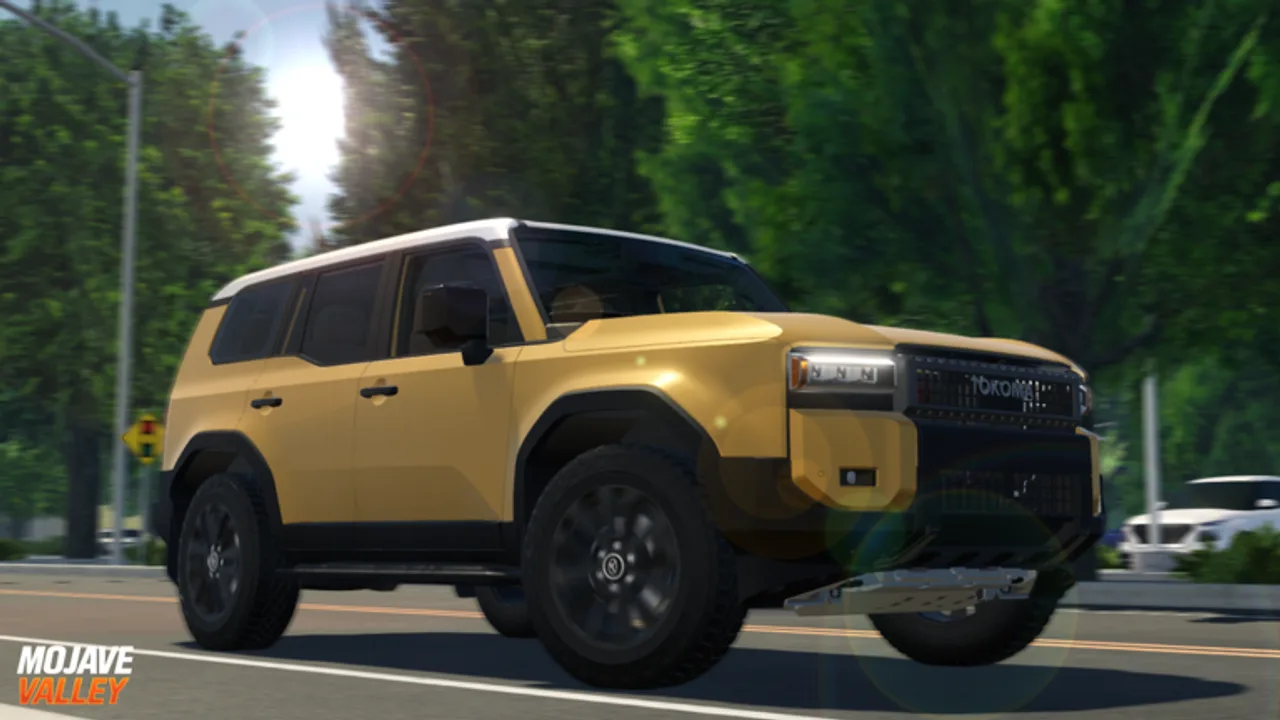
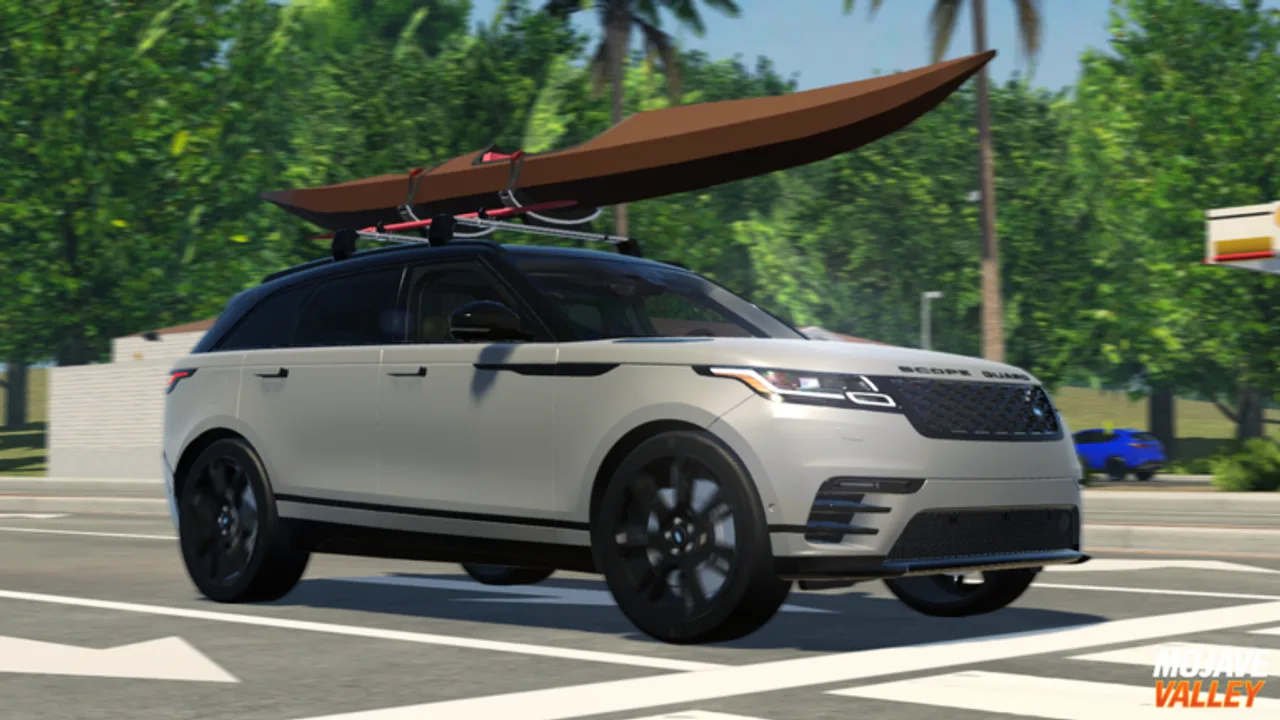

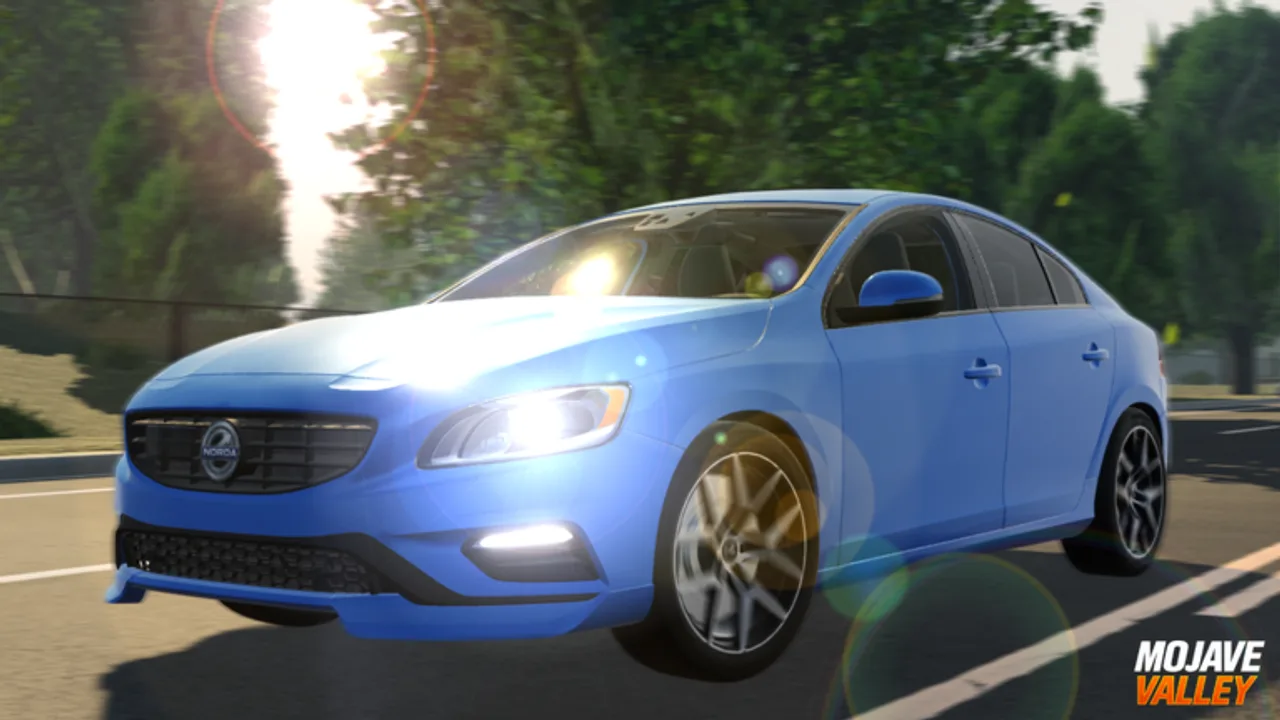
What this wiki covers
The wiki covers the live Roblox experience, not the real-world Mojave region and not unrelated vehicle games. It starts with the official game page, official group data, Roblox public API numbers, and official media. Third-party code pages help prioritize code testing, but in-game redemption remains the final check because codes can expire between updates.
The strongest player needs are practical: redeem current code candidates, learn console controls, understand Premium and Roblox Plus benefits, pick first purchases carefully, and read map spaces through roleplay flow. Those needs are more useful than a large fake database. When the official sources expose enough stable vehicle or location data, the wiki can add structured lists without changing the route design.
From a player perspective, the site should answer the question “what should I do next?” faster than a generic article. The current route order reflects that: codes and beginner flow first, then controls, money, vehicles, map reading, update tracking, and media. A player who only has five minutes can still leave with one useful action.
Current game snapshot
The official title at the latest API check included a July 4th event marker and the pre-alpha label. The game is classified as Simulation and Vehicle Sim, uses the Official Mojave Valley group as creator, and lists console controls directly in the public description. It also lists benefits for Roblox Plus and Premium players, including drive-to-earn, job, purchase, code, weekly cash, tag, and badge bonuses.
For players, the snapshot points to a clear loop: claim rewards, drive, earn, spend on vehicles or lifestyle goals, then use the map for roleplay. A new player should not start by chasing every rumored car. Start by learning how the game wants you to move, because driving quality affects money, social trust, and the usefulness of every later purchase.
The server cap is 25 players, which is enough to create traffic and social hubs but small enough that one careless driver can disrupt a scene. That makes small decisions important: signal, park correctly, do not block exits, and spend enough time learning one reliable route before joining crowded areas.
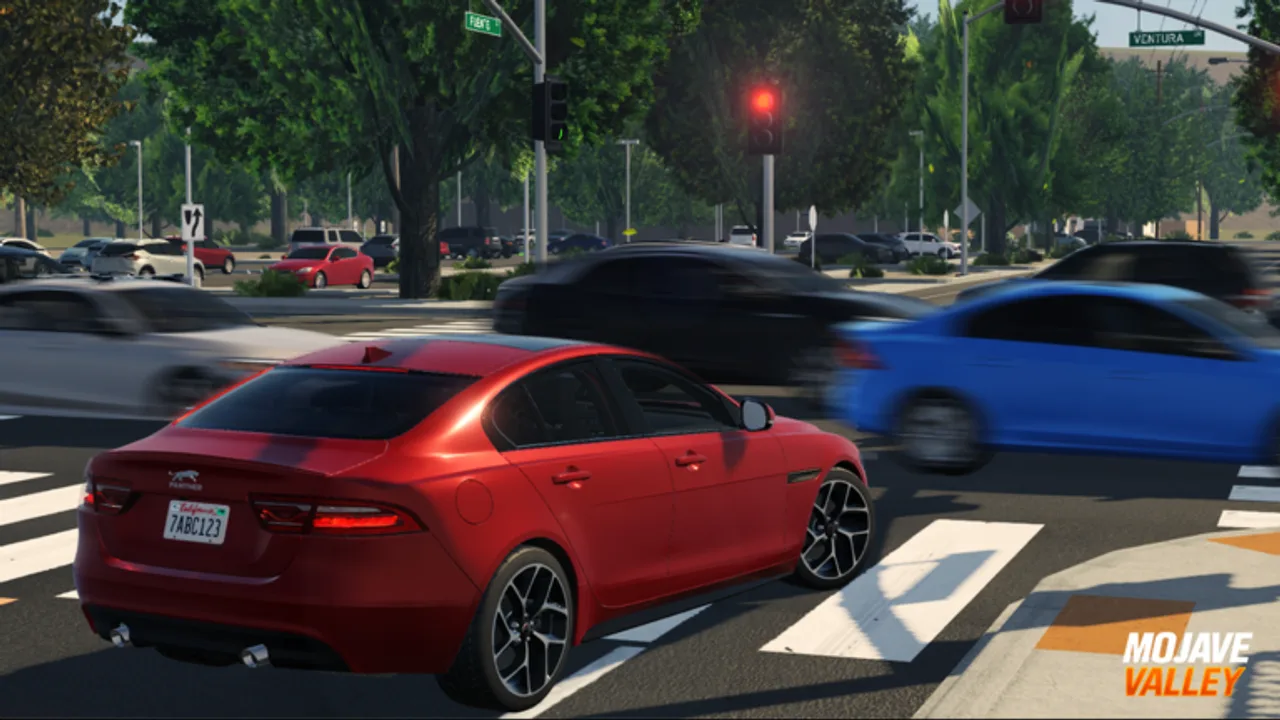
Best next pages
If you are new, use the Beginner Guide first. If you already know the map, use Codes and Money Guide before buying. If you play on controller, read Driving Controls before entering a crowded server. If you are returning after an update, check Updates and Gallery so the current event context and official media are fresh before you spend.
The highest-value path is Codes → Beginner → Money → Vehicles. That order prevents the most expensive mistakes: missing free cash, driving badly in public, buying before you understand income, and treating every car as an upgrade. Once those basics are stable, the Map and Gallery pages help you choose better roleplay spaces.
FAQ
What is Mojave Valley on Roblox?
Mojave Valley is a Roblox driving and roleplay experience from the Official Mojave Valley group. The public game description frames it as an experimental realistic California roleplay game in pre-alpha, with money earned through driving, jobs, and social play. The practical appeal is vehicle ownership inside a shared city setting.
Does this wiki publish a complete car list?
Not yet, because the official public Roblox data does not expose a stable full vehicle roster. Publishing a guessed roster would be worse than a short honest guide. The current vehicle page explains buying decisions, limited-car caution, and roleplay fit until a reliable in-game or official data source can support a proper database.
Official links
Use Roblox for the live game, group updates, rules, and account-level support.