
First five minutes
Open the Shop interface early and check the Codes tab before you buy anything. Public code lists change quickly, and Mojave Valley codes are often tied to updates, like goals, holidays, or major content drops. If a code fails, do not build your plan around it; move on and treat it as expired for your account. The safest order is to test the newest July code first, then older update codes only if the fresh code fails to cover your starting needs.
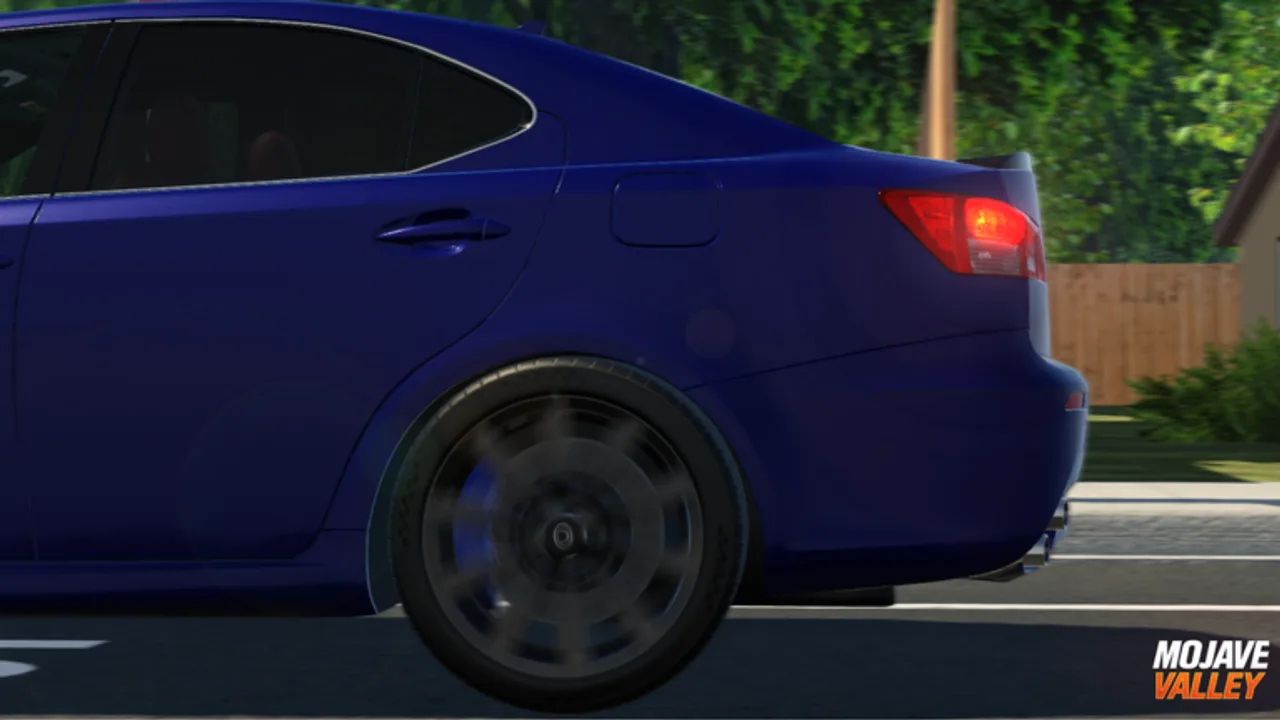
After codes, spawn or access your first vehicle and drive in a quiet area. Mojave Valley uses a more deliberate vehicle feel than many Roblox city games, so new players should practice stopping distance, turns, hazards, and shifting before entering heavy traffic. A clean first drive saves money and time because roleplay servers punish careless driving socially even when the game itself lets you continue.
A strong first session should end with three things written in your own memory: where the Shop and Codes flow is, which road is safe for practice, and which social hub is active in that server. If you leave with those three answers, the next session is already easier because you are not spending the first ten minutes asking basic navigation questions in chat.
Do not rush into expensive purchases during those first minutes. The public game loop rewards driving time and roleplay participation, but the cost of a bad early buy is felt immediately. Keep enough cash to continue moving around, then upgrade only when the car or item solves a clear problem.
- Claim codes before spending cash.
- Practice braking and turning away from crowded streets.
- Watch traffic patterns before joining a roleplay scene.
- Use the official group or communications server for rules and data-loss support.
What to spend on first
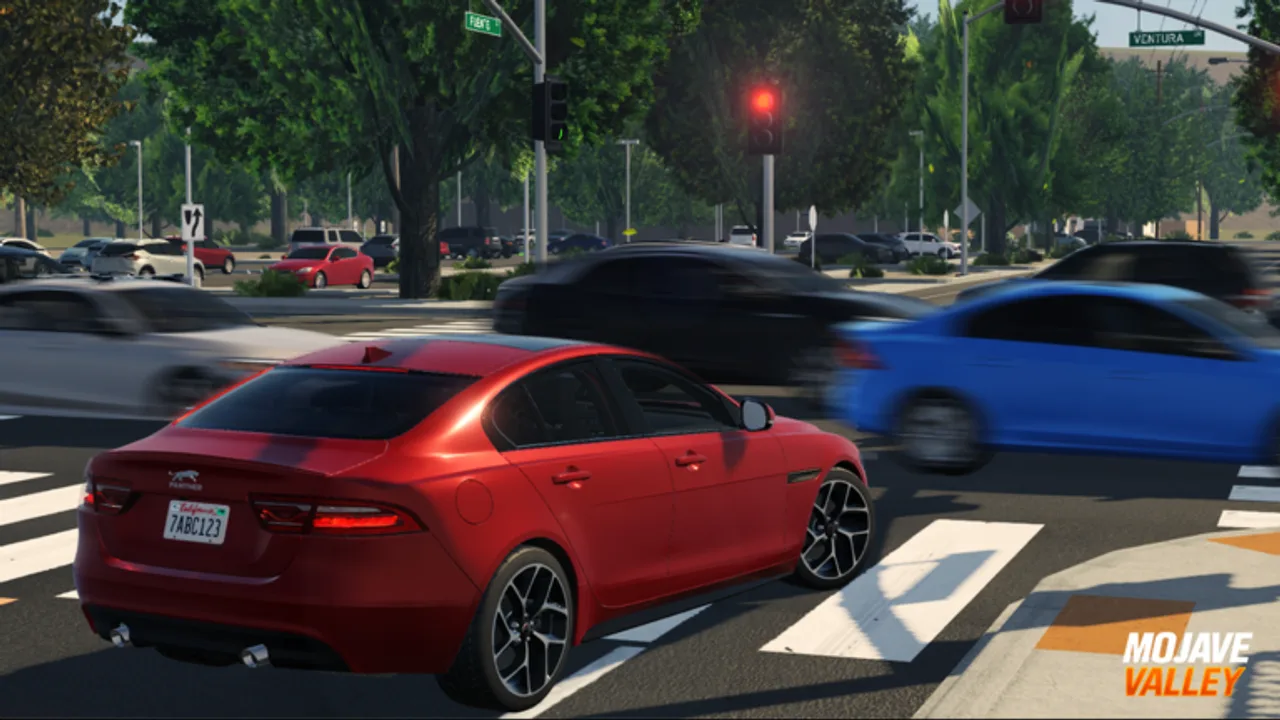
The best first purchase is the one that keeps you earning and participating. A cosmetic flex may look good in a parking lot, but early cash is more useful when it improves your ability to travel, join jobs, and reach social hubs. If a limited vehicle appears during an update, compare its price against your normal earning pace before buying. A limited that empties your account can slow the next several sessions.
Players with Roblox Premium or Roblox Plus benefits receive several advantages listed in the official description, including drive-to-earn and job-earning boosts. That does not mean non-Premium players are blocked. It means budget planning is stricter: redeem codes, avoid impulse purchases, and use longer driving sessions to build cash before switching cars.
A practical first budget is reserve first, upgrade second. Keep a cash cushion for normal play, then spend only the remainder on a better vehicle or lifestyle item. This matters more in Mojave Valley than in a pure racing game because the most valuable sessions are often social: meeting friends, moving between hubs, and joining scenes without leaving to grind after one purchase.
If a code gives a large reward, split it mentally before touching the dealership. One part pays for the vehicle you will actually drive today; the other part stays untouched for updates, job routes, or a limited that appears later. That habit prevents the common Roblox economy mistake of treating every reward as disposable.
How to fit into public servers
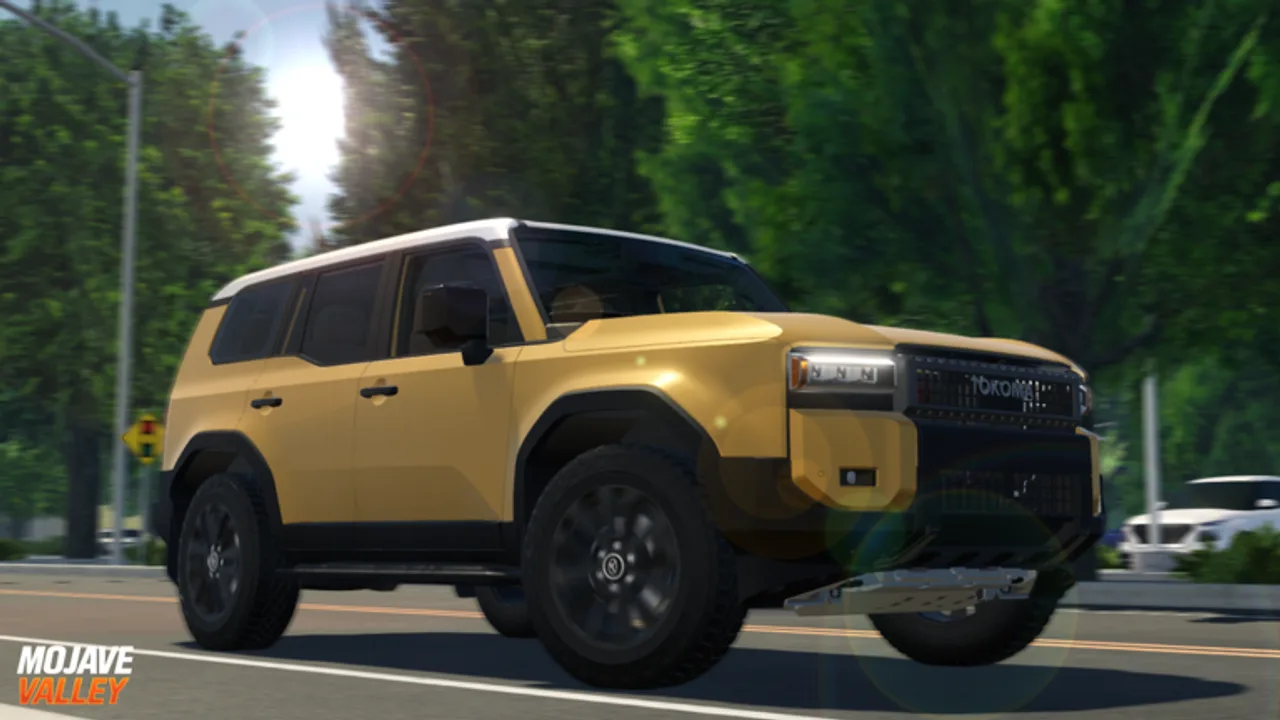
Mojave Valley works best when players read the room. A server clustered around a dealership is different from one spread across roads and homes. Before starting a scene, observe whether players are cruising, parking, working, or staging a meet. Matching the server rhythm gets better results than forcing a script nobody else joined.
Use signals, hazards, and careful parking as social tools. In a realistic driving roleplay game, those small actions communicate intent more clearly than chat spam. If you are learning controls, stay on less crowded roads until you can turn, stop, and park without disrupting other scenes. That choice also makes the game feel more realistic because other players can trust your movement.
The simplest roleplay rule is to drive like other players can read you. Signal before turning, use hazards when stopped, and park as if someone else needs the next space. You do not need a long backstory to fit in; clean movement, patient driving, and clear chat are enough to make public scenes smoother.
If a scene looks organized, join slowly. Stop near the edge first, watch the lineup or traffic flow, and ask one short question if needed. Barging directly into the center of a meet, blocking a lane, or spinning around a parking row makes other players treat you as noise rather than as someone worth including.
FAQ
Is Mojave Valley a Roblox driving game or a roleplay game?
It is both. The Roblox listing classifies Mojave Valley under Simulation and Vehicle Sim, while the game description frames the experience as a realistic California roleplay world. The practical loop is to drive, earn money, spend that money on lifestyle and vehicle goals, and use the open city setting for social roleplay with other players.
How many players can join one Mojave Valley server?
The current public Roblox API data lists a maximum server size of 25 players. That number matters because roleplay scenes, road traffic, dealership visits, and job routes feel different when a server is near capacity. If a public server feels too crowded for clean driving practice, join another server and use quieter roads before spending cash.
Where should new players start?
Start with the Shop and Codes flow, learn the console driving controls if you play on controller, then earn your first cash through driving and available job activities. Spend slowly until you understand how frequently rewards arrive, because limited vehicles and lifestyle purchases can drain early funds faster than casual cruising replaces them.