
Three route types
Use open roads for handling practice, cash-earning drives, and high-speed cruising with friends. These routes are where acceleration, braking, and shift timing matter most. They also reduce the chance of interrupting a crowded scene while you learn a new car. If you spawn into a busy server, leave the dense area first and use open pavement to settle in.
Use town streets for roleplay transitions. These roads connect homes, gathering points, service scenes, and parking areas. Drive more slowly there because other players may be typing, staging a scene, or moving unpredictably. The most believable roleplay drivers adjust speed based on context rather than treating every road as a straight-line test.
The first route type is your money-and-practice loop: long enough to test speed and braking, quiet enough to avoid interrupting scenes, and connected enough that you can return to town quickly. The second is your social loop: dealerships, parking rows, and visible gathering spots. The third is your reset loop: a quiet area where you can leave a bad scene and recover your flow.
Players who build these loops stop feeling lost. They can join friends faster, recover after a crash or disconnection, and decide whether a server is worth staying in. That map confidence is valuable even before the game publishes formal location names.
Use route types to choose a server, not only to navigate inside one. If every open road is empty and every hub is chaotic, the server may be poor for focused driving but useful for watching social behavior. If traffic is spread across roads and lots, it is better for normal play. Server quality is part of map reading.
Do not rush to memorize unofficial names. Names change across communities, but functions remain understandable: open road, town connector, vehicle hub, quiet reset area, and social parking space. Functional memory helps when you play with strangers who may not use the same labels.
Build your own orientation loop
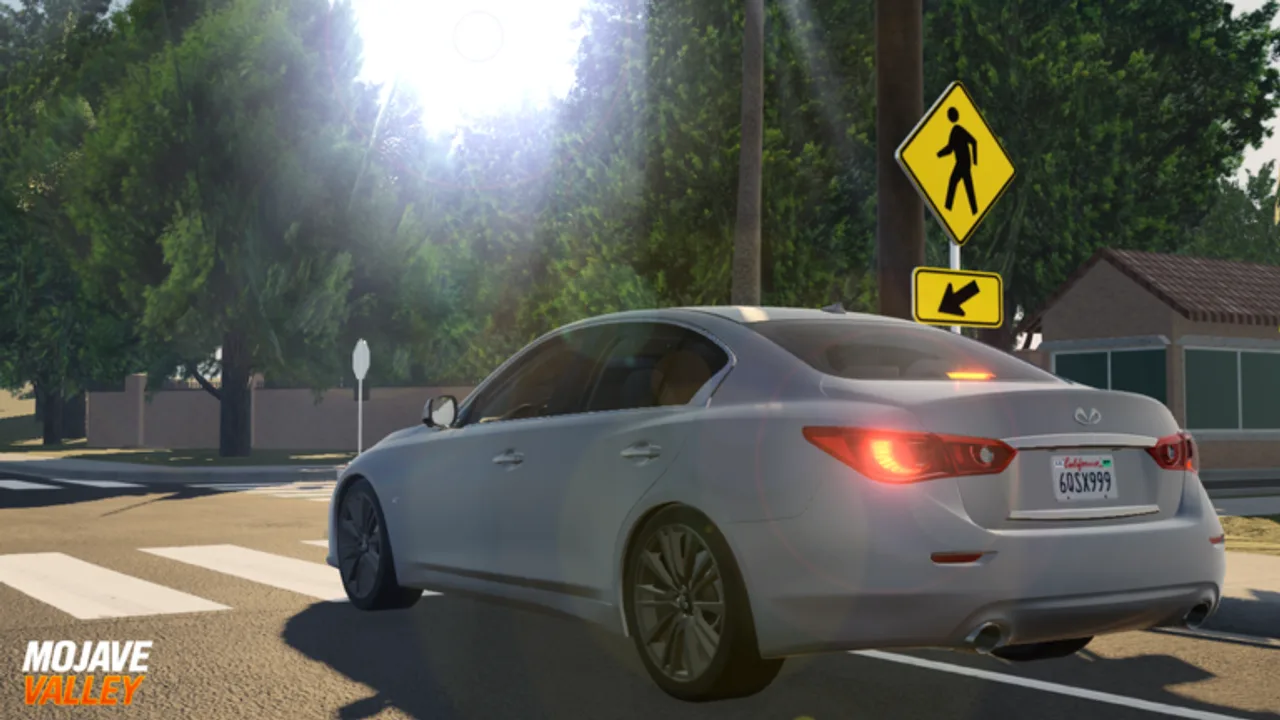
Create a personal loop that touches one open road, one town block, one vehicle hub, and one quieter side area. Run it whenever you enter a new server. This loop tells you where players are gathering, whether traffic is chaotic, and which areas are empty enough for practice. It also builds memory faster than wandering randomly.
When updates add new buildings, jobs, or road changes, redo the loop before spending money. A new town section can shift where players meet, and a new job can change traffic flow. Because Mojave Valley is in pre-alpha, map habits should be reviewed after major title changes rather than treated as permanent.
Treat every major update as a map reset. New homes, shops, jobs, or roads can shift traffic patterns even if the old routes still exist. The first session after an update should be exploratory: drive the loop, check player clusters, and note which areas became more important.
If you play with friends, share meeting points by route type rather than vague descriptions. Say “the quiet road after the dealership loop” or “the parking row near the active hub” if you do not know official names. Functional directions work better than guessing names.
A useful orientation loop should also include one escape point. Public roleplay servers can turn chaotic quickly, and a good player knows where to move when a road becomes blocked or a scene stops being fun. Pick a quiet stretch that lets you reset, repair your driving rhythm, and decide whether to return to the hub or switch servers.

Social hubs and parking scenes
Social hubs form wherever players cluster. A dealership, a parking row, a neighborhood block, or a job area can become the temporary center of the server. Before joining, circle once, check whether vehicles are parked in a pattern, and avoid blocking exits. This small delay makes you look like part of the scene instead of a random interruption.
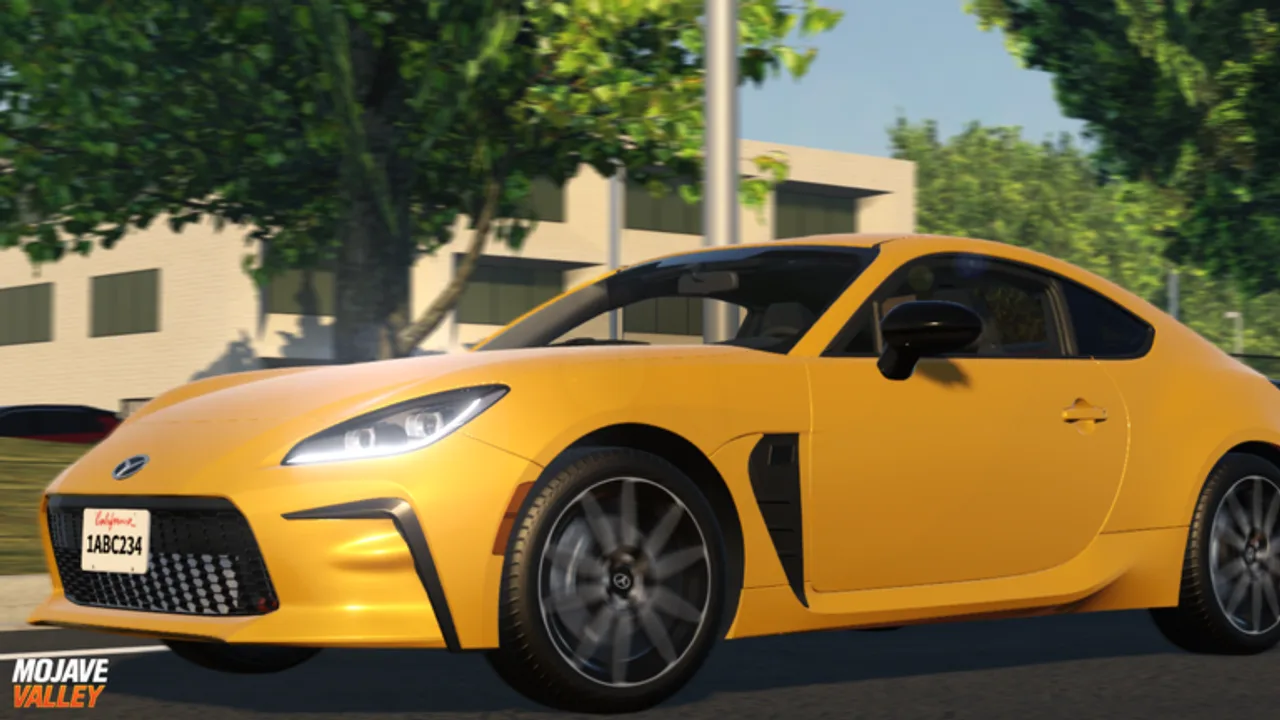
Parking is a map skill. Mojave Valley screenshots show plenty of vehicle-focused spaces, and public servers often turn those spaces into meetups. Learn to approach slowly, align the car, and leave enough room for another player to open a scene beside you. A clean parking habit is one of the easiest ways to earn trust in a driving roleplay server.
The active hub can change by server. One server may cluster near vehicles, another near homes, another around a job area. Use the first minute after spawning to identify the hub before committing to a plan. If nobody is gathered, drive the social loop and create a small scene instead of waiting in spawn.
When a hub forms, protect its flow. Park at the edge, leave openings, and avoid blocking a main road. A player who helps the space function becomes useful to the group. A player who blocks the space becomes the problem everyone works around.