

Common questions
If you are new, start with the official Roblox game page, then redeem codes, learn controls, and drive in a lower-traffic area. That sequence solves the most common early problems: joining copies of the wrong experience, missing free cash, crashing because of unfamiliar controls, and spending before you understand the economy.
If you are returning after an update, read the current game title and description first. Mojave Valley uses visible title markers for events, and the description can show like goals, benefits, controls, and support directions. That information is more stable than reposted comments in random servers.
The fastest way to use this FAQ is to match your problem to the next action. If you are broke, go to Codes and Money. If you keep crashing, go to Controls. If you do not know what to buy, go to Vehicles. If the server feels confusing, go to Map. The site is organized around those player problems.
Mojave Valley can look like a car-collection game from screenshots, but the best sessions depend on social behavior too. A player who understands signals, spacing, cash reserve, and update timing will usually have a better session than a player who only chases the newest vehicle.
If you are deciding whether the game is worth your time, judge it by the loop you actually want. Players who enjoy cruising, roleplay meets, vehicle goals, and open-city server behavior will get more value than players looking for a fixed quest campaign. The game is strongest when you bring a simple session goal instead of waiting for the map to tell you exactly what to do.
If two guides disagree, check what kind of fact they are claiming. Official identity facts should come from Roblox. Code status should be tested in the current client. Buying advice should be judged against your own cash reserve and server habits. Sorting claims this way prevents one outdated post from ruining a session plan.
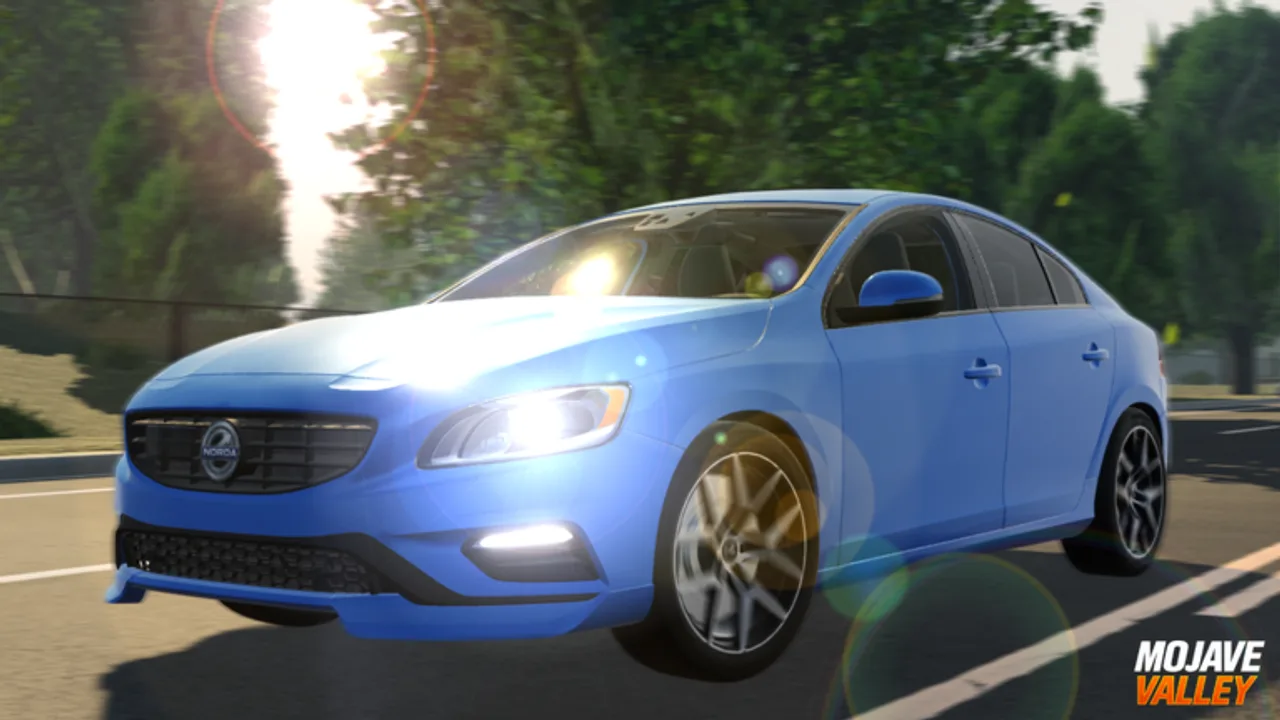
FAQ answers
The FAQ entries are written for direct action. Use them to decide what to test, where to spend, and how to behave in public servers. If a question depends on a live in-game menu, verify it in the current client before making a purchase.
Questions that depend on hidden or fast-changing in-game menus should be verified in the current Roblox client. This includes exact vehicle prices, job payouts, and code rewards. The wiki can explain how to decide and what to test, but live menus remain the purchase authority.
If you notice a changed official description, a new code, or a removed benefit, report the exact date and page. Date-specific corrections are valuable because the game changes quickly and old advice can become wrong without looking obviously outdated.
When an answer sends you to another guide, use that page as the working instruction and this FAQ as the quick diagnosis. The site is intentionally organized that way: the FAQ identifies the problem, while Codes, Controls, Money, Vehicles, Map, and Updates give the decision steps. That makes the FAQ useful on a phone without turning it into a duplicate of every full guide.
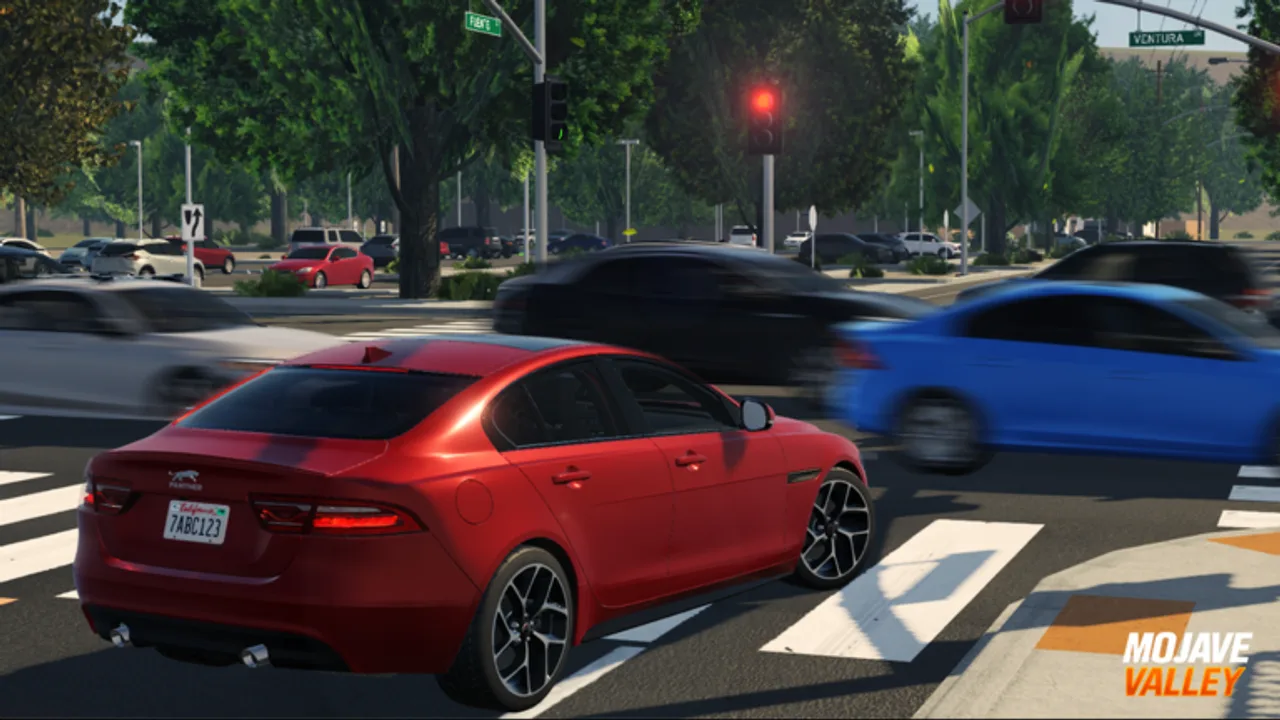
FAQ
Is Mojave Valley a Roblox driving game or a roleplay game?
It is both. The Roblox listing classifies Mojave Valley under Simulation and Vehicle Sim, while the game description frames the experience as a realistic California roleplay world. The practical loop is to drive, earn money, spend that money on lifestyle and vehicle goals, and use the open city setting for social roleplay with other players.
How many players can join one Mojave Valley server?
The current public Roblox API data lists a maximum server size of 25 players. That number matters because roleplay scenes, road traffic, dealership visits, and job routes feel different when a server is near capacity. If a public server feels too crowded for clean driving practice, join another server and use quieter roads before spending cash.
Where should new players start?
Start with the Shop and Codes flow, learn the console driving controls if you play on controller, then earn your first cash through driving and available job activities. Spend slowly until you understand how frequently rewards arrive, because limited vehicles and lifestyle purchases can drain early funds faster than casual cruising replaces them.
Does Mojave Valley have official codes?
The Roblox game description says the developers release codes when like goals are reached, and current public guide pages track several code candidates. Since codes can expire quickly, redeem the newest July candidates first, then older update codes. Always copy the exact uppercase text into the in-game Codes tab rather than typing from memory.
Is there a full vehicle list?
A stable public vehicle roster is not exposed through the official Roblox listing. The safer approach is to treat vehicles as live in-game data: inspect the current dealership or shop UI, compare price against your cash reserve, and test handling before buying. This wiki avoids publishing a fake complete roster until a reliable source is available.